


-
 DIY Electrical Repairs
-
 0 Comments
DIY Electrical Troubleshooting: 7 Easy and Safe Fixes You Can Do Yourself
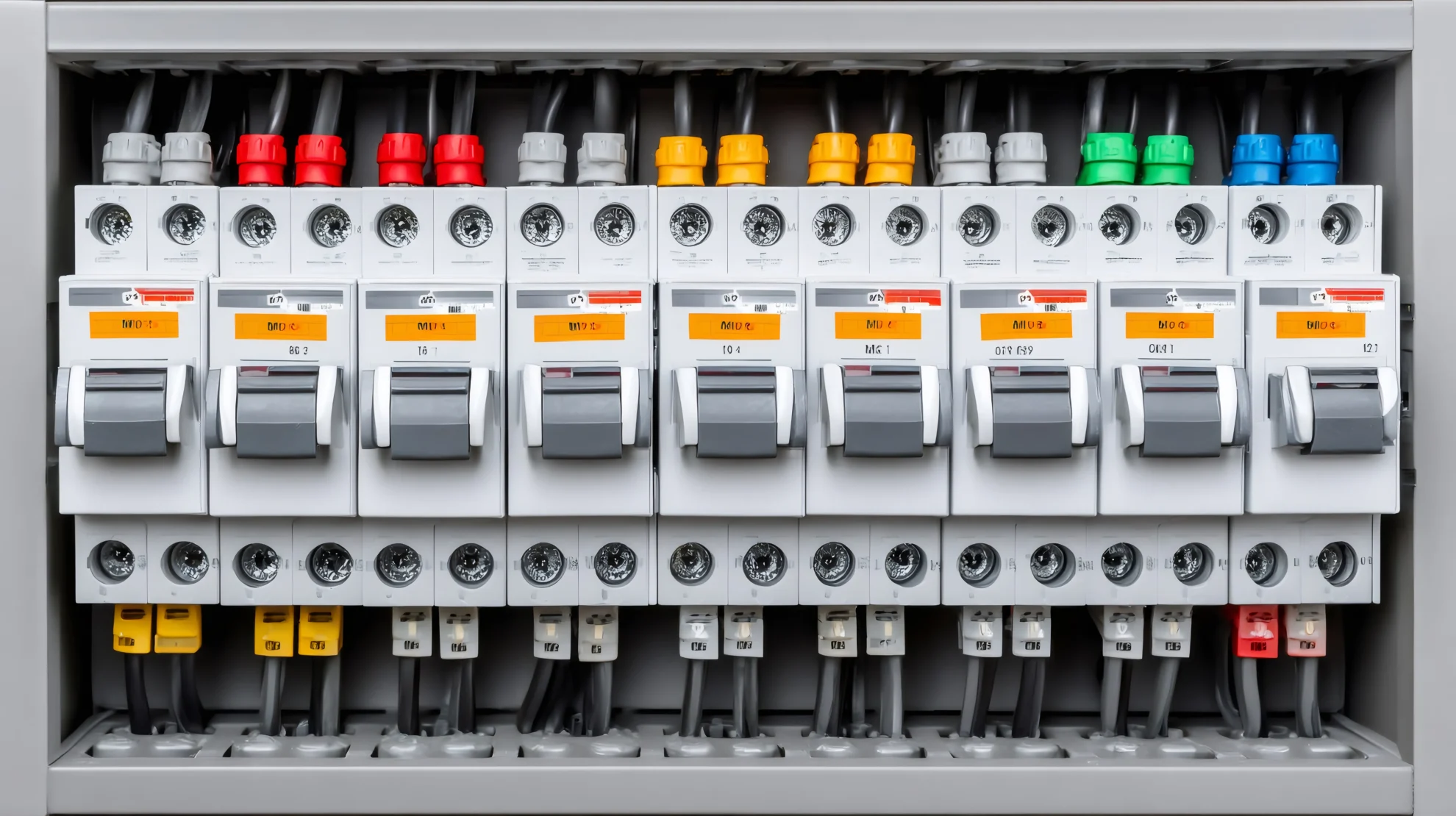
Reset a Tripped Circuit Breaker
A tripped circuit breaker is one of the most common electrical issues homeowners face, especially during summer months when air conditioning units cycle frequently or during winter when space heaters draw extra power. The breaker trips as a safety mechanism to prevent overheating and potential fire hazards when a circuit becomes overloaded or detects a fault.
Many homes in St. Marys built before 1980 have older electrical panels that may trip more frequently because they were designed for lower electrical demands than modern households require. If you find yourself repeatedly losing power to a specific room or area, a tripped breaker is the likely culprit.
To safely reset a tripped breaker, follow these steps:
1. Turn off or unplug devices on the affected circuit to reduce the electrical load before resetting.
2. Locate your electrical panel, typically found in the basement, garage, or utility room.
3. Open the panel door and look for a breaker switch that is in the middle position or switched to OFF. It may not be fully in the OFF position.
4. Firmly push the breaker switch completely to the OFF position first, then flip it back to the ON position. You should hear a click.
5. Test the circuit by turning on a light or device in the affected area.
If the breaker trips immediately after resetting, or if it trips repeatedly within a short timeframe, stop attempting to reset it. This indicates a more serious problem such as a short circuit, ground fault, or damaged wiring that requires professional diagnosis. Additionally, if you notice any burning smell, discoloration, or heat near the panel, do not attempt to reset the breaker and contact a licensed electrician immediately.
Replace a Burned-Out Light Bulb Correctly
While changing a light bulb seems straightforward, doing it incorrectly can damage fixtures, create electrical hazards, or even cause injury. The wrong bulb wattage can overheat fixtures, and failing to properly secure bulbs can lead to flickering or arcing.
Before beginning, always turn off the light switch and allow the bulb to cool if it was recently on. Hot bulbs can cause burns and are more difficult to handle safely.
Follow these steps for safe bulb replacement:
1. Verify the light switch is in the OFF position.
2. If working with a ceiling fixture or hard-to-reach location, use a stable step ladder, never a chair or unstable surface.
3. Remove the old bulb by turning it counterclockwise. If the bulb is stuck, try using a rubber grip pad or cloth for better traction.
4. Check the fixture socket for the maximum wattage rating, usually printed inside the socket or on a label.
5. Select a replacement bulb that matches or is lower than the maximum wattage. LED bulbs are ideal because they produce less heat and use significantly less energy.
6. Insert the new bulb and turn it clockwise until snug. Do not overtighten, as this can damage both the bulb and socket.
7. Turn the switch on to test the new bulb.
Many older homes throughout Central PA, including St. Marys, have original light fixtures with outdated wiring or loose sockets. If you notice flickering even with a new bulb, or if the bulb feels loose no matter how you install it, the socket may be worn and require replacement. Similarly, if you experience frequent bulb burnouts in the same fixture, this often indicates a voltage problem or poor electrical connection that needs professional attention.
Test and Reset a GFCI Outlet
Ground Fault Circuit Interrupter outlets are safety devices designed to shut off electrical power within milliseconds when they detect an imbalance in the electrical current, protecting you from dangerous shocks. These outlets are required in areas where water and electricity may come into contact, including bathrooms, kitchens, garages, basements, and outdoor locations.
GFCI outlets have two buttons between the plug receptacles: TEST and RESET. Over time, these outlets can trip due to moisture exposure, ground faults, or simply because they need testing. In St. Marys, where basement moisture is common in older homes, GFCI outlets in lower levels may trip more frequently during spring thaws or heavy rain periods.
To test and reset a GFCI outlet properly:
1. Locate the GFCI outlet. If multiple outlets in one area are not working, find the first outlet in the circuit, which is typically the GFCI protecting downstream outlets.
2. Press the RESET button firmly. You should hear a click, and the button should stay depressed. If it pops back out immediately, there may be an active ground fault.
3. Plug in a small lamp or device to verify the outlet is providing power.
4. Press the TEST button. The RESET button should pop out, and power should shut off to your test device. This confirms the GFCI is functioning correctly.
5. Press RESET again to restore power.
You should test GFCI outlets monthly to ensure they are working properly. If the RESET button will not stay in, if you cannot reset the outlet, or if it trips repeatedly without an obvious cause like a faulty appliance, the GFCI may have failed and needs replacement. GFCI outlets typically last 10 to 15 years, and older units should be replaced proactively. If you are uncomfortable working with outlets or if the GFCI is hard-wired without a standard plug configuration, contact a licensed electrician for replacement.
Tighten a Loose Outlet or Switch Plate
A loose outlet or switch plate is more than a cosmetic issue. When the cover plate or the outlet itself becomes loose, it can expose live electrical components, create gaps that allow drafts and pests to enter, and even cause the outlet to pull away from the wall box, creating a serious safety hazard.
This problem is particularly common in older homes where wall settling and repeated use have loosened the mounting hardware over time. In many St. Marys residences, plaster walls and aging electrical boxes contribute to this issue.
To safely tighten a loose cover plate or outlet:
For loose cover plates only:
1. Locate the small screw in the center of the cover plate.
2. Using a flathead or Phillips screwdriver (depending on the screw type), turn the screw clockwise to tighten.
3. Be careful not to overtighten, as this can crack the plate, especially if it is plastic.
For outlets that wobble or protrude from the wall:
1. Turn off power to the outlet at the circuit breaker. Verify the power is off using a non-contact voltage tester or plug-in tester.
2. Remove the cover plate by unscrewing the center screw.
3. Check the two screws at the top and bottom of the outlet that secure it to the electrical box. Tighten these screws carefully.
4. If the outlet still feels loose, the electrical box itself may be detached from the wall stud. You can add outlet shims (thin spacers available at hardware stores) behind the outlet to stabilize it.
5. Replace the cover plate and restore power.
If the electrical box is completely loose or damaged, or if you see exposed wiring, charring, or any signs of damage inside the box, stop immediately and call a professional. These conditions require proper repair to prevent electrical fires and ensure code compliance.
Replace a Worn or Damaged Extension Cord
Extension cords are temporary power solutions, but many homeowners use them as permanent fixtures, which creates significant fire risks. Damaged, frayed, or undersized extension cords are among the leading causes of residential electrical fires. Recognizing when a cord needs replacement and selecting the correct replacement can prevent dangerous situations.
Inspect your extension cords regularly for these warning signs that indicate immediate replacement is needed: exposed wiring, cracked or damaged insulation, warm or hot cord during use, bent or damaged prongs, discolored plugs, or a burning smell. Never attempt to repair a damaged extension cord with electrical tape, as this is a temporary fix that does not address internal wire damage and can create a false sense of security.
When selecting a replacement extension cord:
1. Determine the power requirements of the device you will be using. Check the device label for amperage or wattage.
2. Choose a cord rated for at least the same amperage as your device. For outdoor use or high-draw appliances, select a heavy-duty cord (typically 12 or 14 gauge).
3. Keep cord length as short as practical. Longer cords result in voltage drop and reduced efficiency. For permanently needed outlets, consider having additional outlets installed instead.
4. For outdoor use, always select cords rated for outdoor use with appropriate weather resistance. This is especially important during St. Marys winters when cords may be exposed to snow, ice, and freezing temperatures.
5. Never daisy-chain multiple extension cords together, as this dramatically increases fire risk.
Proper storage extends cord life. Coil cords loosely without tight bends or knots, and store them in a dry location away from heat sources. If you find yourself relying on extension cords throughout your home, this often indicates insufficient outlet placement. Professional electricians can add properly placed outlets that eliminate the need for cords, improving both safety and convenience while increasing your home value.
